
FIRE AND ASHES System Requirements: Can Your PC Run It?
Check FIRE AND ASHES system requirements, including minimum and recommended PC specs, storage, Windows support, and microphone options before you play.
Jump to
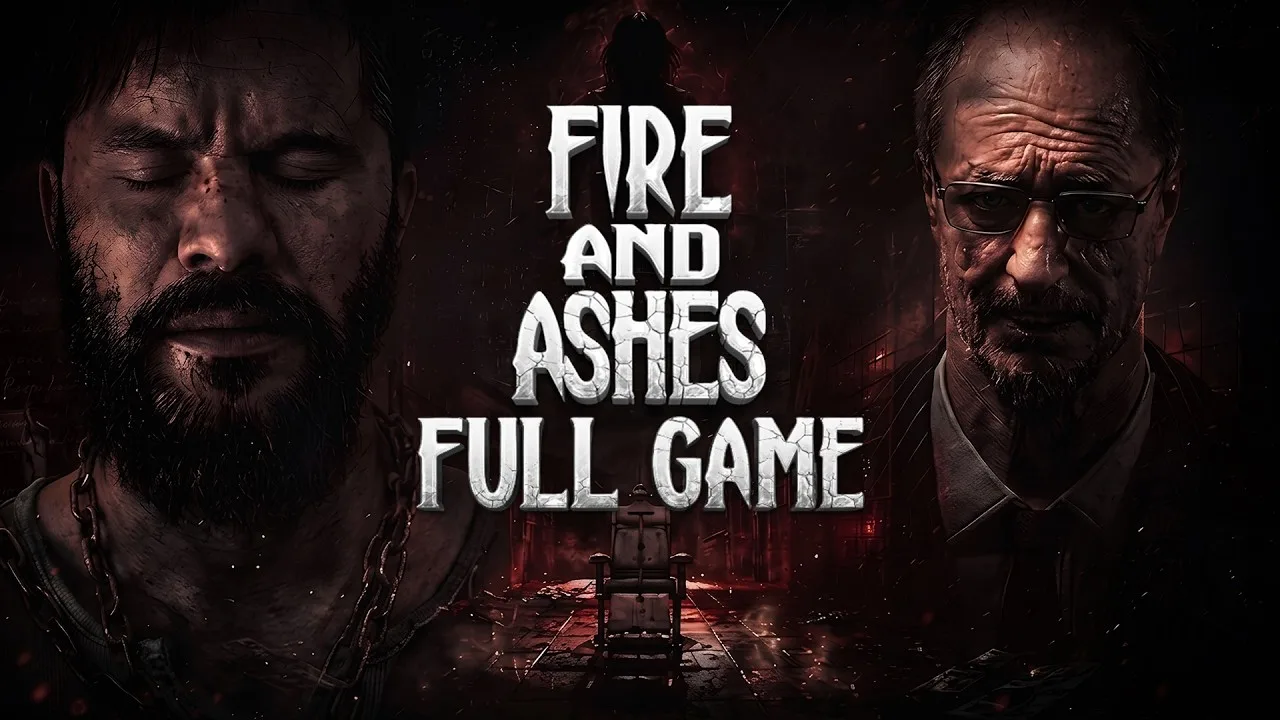
FIRE AND ASHES System Requirements at a Glance
A hospital full of monsters is enough trouble without wondering whether your PC can handle it. The FIRE AND ASHES system requirements start with an Intel Core i5-4440, a GeForce GTX 1060, and 8 GB of RAM. Checking the FIRE AND ASHES system requirements before downloading helps you compare your hardware, reserve enough storage, and decide whether to play with a microphone.
The Windows version needs a 64-bit processor and operating system, DirectX 11, and 30 GB of available space. The recommended configuration raises the CPU and graphics card requirements while keeping the same memory and storage figures.
| Component | Minimum requirements | Recommended requirements |
|---|---|---|
| Operating system | Windows 10 or Windows 11, 64-bit | Windows 10 or Windows 11, 64-bit |
| Processor | Intel Core i5-4440 or equivalent | Intel Core i7-4770K or equivalent |
| Memory | 8 GB RAM | 8 GB RAM |
| Graphics card | NVIDIA GeForce GTX 1060 or equivalent | NVIDIA GeForce RTX 3060 or equivalent |
| DirectX | Version 11 | Version 11 |
| Storage | 30 GB available space | 30 GB available space |
| Audio | DirectX-compatible sound card | DirectX-compatible sound card |
| Architecture | 64-bit processor and operating system | 64-bit processor and operating system |
For a quick comparison, start with your processor, graphics card, and installed RAM. Then check your Windows version and the free space on the drive where you intend to install the game. Each component has its own requirement, so evaluate them separately.
The minimum and recommended configurations use different processor and graphics card targets. The minimum configuration names a GTX 1060, while the recommended configuration moves up to an RTX 3060. Both configurations use 8 GB of system memory.
Use the FIRE AND ASHES system requirements as your compatibility checklist before buying. Match your machine against the complete configuration rather than stopping as soon as one familiar component appears.
How to Compare Your CPU, Graphics Card, and RAM
The hardware check becomes easier when you break it into individual parts. Your processor, graphics card, and memory all need attention, especially if your PC combines older components with newer upgrades.
Check the exact processor model
The minimum CPU is the Intel Core i5-4440, and the recommended CPU is the Intel Core i7-4770K, with equivalent processors accepted at either level.
Compare the complete model name. Simply knowing that you own a “Core i5” leaves out the information needed to assess it against the requirement. The same applies if you use a processor from another manufacturer: compare its capabilities with the named CPU rather than matching branding.
Keep the two CPU targets separate when evaluating your machine. If your processor meets the minimum target, record that result before moving on to the GPU. Check it against the recommended target separately.
Give the graphics card its own check
The minimum GPU target is a GeForce GTX 1060 or equivalent. The recommended target is a GeForce RTX 3060 or equivalent.
FIRE AND ASHES takes Henry Gray through a psychiatric hospital, laboratories, and other disturbing locations connected to his past. Its environments are a central part of the horror, so the graphics requirement deserves attention before you enter those corridors.
For a laptop, compare the exact graphics hardware in that machine. Avoid assuming that a familiar product family automatically answers the compatibility question. Use the complete GPU model when checking your system against either target.
Keep memory separate from graphics hardware
Both levels of the FIRE AND ASHES system requirements call for 8 GB RAM. That figure refers to system memory; check it separately from your graphics card model.
A stronger GPU does not remove the RAM requirement, and meeting the RAM requirement does not complete the graphics check. Work through each row independently so you finish with a clear picture of the whole PC.
Use this order when reviewing your machine:
- Compare your exact CPU with the minimum and recommended processors.
- Compare your exact GPU with the corresponding graphics targets.
- Check that your system has at least 8 GB RAM.
- Finish with Windows, DirectX, audio, and installation space.
Windows Support, Storage, and Console Options
The PC version supports 64-bit Windows 10 and Windows 11. Native macOS and Linux versions are outside its supported PC platforms.
| Platform or operating system | Support |
|---|---|
| Windows 10, 64-bit | Supported PC operating system |
| Windows 11, 64-bit | Supported PC operating system |
| macOS | No native version |
| Linux | No native version |
| PlayStation 5 | PS5 version available |
| PlayStation 5 Pro | PS5 Pro Enhanced |
For a Windows installation, reserve 30 GB of available storage. Check the destination drive before starting your download, particularly if your computer has multiple drives. Free space elsewhere on the machine will not help you install to a drive that is already full.
The FIRE AND ASHES system requirements use the same storage figure for minimum and recommended configurations. Moving from the minimum hardware target to the recommended target does not change that 30 GB requirement.
The PC release arrived on October 14, 2026. The PS5 version supports one player and offline play. It also carries the PS5 Pro Enhanced designation.
If you choose PlayStation, use the console version’s information when planning your purchase. The Windows processor and graphics card requirements apply to PC hardware.
You can get FIRE AND ASHES on Steam or purchase the PS5 version on PlayStation Store. Choose the edition for the hardware you intend to use.
Do You Need a Microphone or Controller?
A microphone is optional. You can complete FIRE AND ASHES without one, although voice recognition is a major part of its horror design.
With voice input, sound becomes part of how you interact with enemies. Breathing, whispers, and screams feed into a system where staying quiet or making noise can affect the situation around Henry.
| Input or audio feature | What it supports |
|---|---|
| Optional microphone | Voice interaction through breathing, whispers, screams, and words |
| Quiet play | Avoiding attention through control of your breathing |
| Shouting | Distracting enemies or creating time to escape |
| Voice taunts | Creating openings against opponents |
| Microphone-free play | Completing the game without voice input |
| PC controller support | Full controller support, including DualShock and DualSense support |
The microphone belongs in your setup decision, but it is not a mandatory item in the FIRE AND ASHES system requirements. Choose whether you want real-world sound involved before beginning your session.
If you share a room or prefer playing quietly, use the microphone-free option. You can experience Henry’s story without needing to shout at your screen.
If you choose voice input, pay attention to the relationship between noise and enemy attention. Use shouting deliberately when you want to distract an enemy or create an opening. Keep quiet when avoiding attention is your goal.
How Electric Voice fits into the game
Electric Voice is a device that turns shouting into an electrical attack against compatible enemies. It can stun opponents with implanted diodes, and a sustained shout can extend its electrical output.
The device also interacts with electric doors, lamps, and other objects that require power. Its charge is limited, and it recharges at special electrical boxes.
Conserve its charge when a stun is enough for the situation. Treat it as a resource to manage alongside the improvised weapons and supplies you find while exploring.
For PC players who prefer a gamepad, full controller support gives you another way to approach the adventure. DualShock and DualSense controllers are supported, so your input decision can include both your preferred controller and whether to enable voice interaction.
Your Pre-Download Hardware Checklist
Before installing, make one complete pass through your setup. This helps catch practical problems such as checking the wrong drive or confusing system RAM with the graphics card.
| Check | What to compare |
|---|---|
| Windows and architecture | Windows 10 or 11, with a 64-bit processor and operating system |
| CPU | Core i5-4440 minimum; Core i7-4770K recommended; or equivalent |
| GPU | GTX 1060 minimum; RTX 3060 recommended; or equivalent |
| System memory | 8 GB RAM |
| Destination drive | 30 GB available space |
| DirectX and audio | DirectX 11 and a DirectX-compatible sound card |
| Input preference | Optional microphone and supported controller, if desired |
Start with the mandatory hardware and software checks, then decide how you want to control the game. That keeps the compatibility decision straightforward while leaving microphone use to your preference.
When comparing FIRE AND ASHES system requirements with a mixed configuration, write down each result separately. For example, a machine with the recommended processor still needs its graphics card checked against the GPU requirement. Keep going until every required component has been covered.
Prepare for the kind of horror you are playing
FIRE AND ASHES combines exploration, puzzles, resource gathering, and combat. Henry’s journey begins in a psychiatric hospital in 1977 and moves into other locations tied to his troubled past.
Expect to search for useful supplies, piece together clues, and fight when cornered. Sound has a practical role in that loop, particularly when voice recognition is enabled.
Choose your microphone preference around how you want to engage with those mechanics. Voice input adds breathing and shouting to your decisions; microphone-free play lets you complete the same journey without requiring that setup.
Before committing to the download, review the CPU, GPU, RAM, and storage checks together. Once those are covered, choose your controls and get ready to follow Henry beyond the hospital walls.
FAQ
What are the minimum FIRE AND ASHES system requirements?
You need a 64-bit processor and Windows 10 or Windows 11, an Intel Core i5-4440 or equivalent, a GeForce GTX 1060 or equivalent, and 8 GB RAM. The game also requires DirectX 11, a DirectX-compatible sound card, and 30 GB of available storage.
What hardware is recommended for FIRE AND ASHES?
The recommended configuration uses an Intel Core i7-4770K or equivalent and a GeForce RTX 3060 or equivalent. RAM stays at 8 GB, while storage remains 30 GB. Both 64-bit Windows 10 and Windows 11 are supported.
Can you finish FIRE AND ASHES without a microphone?
Yes. You can complete the entire game without a microphone. Voice recognition is optional and lets breathing, whispers, screams, and words become part of your interactions.
Is FIRE AND ASHES available on Mac or Linux?
The PC version supports Windows, with no native macOS or Linux version. A separate PS5 version is available and includes PS5 Pro Enhanced support.
Continue with
 FIRE AND ASHES Xbox Guide: Release, Features, AND TipsExplore FIRE AND ASHES Xbox features, its Series X|S release date, microphone gameplay, and survival tips before stepping into Henry Gray's nightmare.
More in Platforms
FIRE AND ASHES Demo: Downloads, Platforms, AND PC Specs
Get the FIRE AND ASHES demo on Steam and Xbox Series X|S, compare PC requirements, and learn how optional microphone controls shape your horror experience.
FIRE AND ASHES PS5: Release, Price, AND Gameplay Guide
Explore FIRE AND ASHES PS5 release details, its $19.99 price, microphone controls, horror gameplay, and launch issues before entering Henry's nightmare.
FIRE AND ASHES Steam Guide: Specs, Features, AND Tips
Explore FIRE AND ASHES Steam requirements, controller support, voice mechanics, and survival tips. Get ready for Henry Gray's eerie Windows PC nightmare.
Continue exploring
FIRE AND ASHES Resource Management: Combat Survival Tips
Master FIRE AND ASHES resource management with tips for Electric Voice charge, sound control, scavenging, and combat decisions that help keep you alive.
FIRE AND ASHES Difficulty Guide: Combat AND Survival
Understand FIRE AND ASHES difficulty with practical tips for voice controls, melee combat, puzzles, and Electric Voice charge management. Plan your escape.
Join the community
Official channels for news, updates and player help: