
Settings & Controls
Settings & Controls on FIRE AND ASHES Wiki: every guide in this section, updated as new details are confirmed.
6 articles
Start here
- FIRE AND ASHES Audio Settings: Mic AND Sound Guide
Adjust FIRE AND ASHES audio settings for microphone use, voice controls, and sound-triggered combat, or play the complete horror game without a mic.
- FIRE AND ASHES Controller Support: PC AND PS5 Guide
See FIRE AND ASHES controller support on PC and PS5, including compatible gamepads, remapping, sensitivity controls, microphone options, and input fixes.
- FIRE AND ASHES Controls: Voice, Combat, AND PC Inputs
Learn FIRE AND ASHES controls for voice actions, melee combat, inventory, and Electric Voice. Get practical tips for playing with or without a microphone.
Platforms & Release
- FIRE AND ASHES Graphics Settings: PC Performance Guide
- FIRE AND ASHES Languages: Full PC AND PS5 Support Guide
- FIRE AND ASHES Performance: PC Settings AND FPS Guide
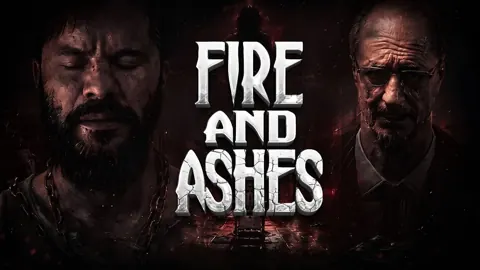
FIRE AND ASHES Graphics Settings: PC Performance Guide
Tune FIRE AND ASHES graphics settings with a practical look at resolution, VSync, anti-aliasing, display modes, and PC requirements for clearer gameplay.
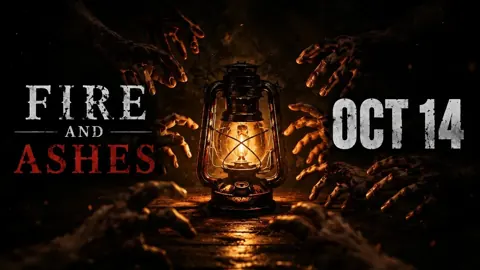
FIRE AND ASHES Languages: Full PC AND PS5 Support Guide
Explore FIRE AND ASHES languages on PC and PS5, including English and Russian audio, subtitles, and Portuguese differences. Choose your preferred version.
FIRE AND ASHES Performance: PC Settings AND FPS Guide
Improve FIRE AND ASHES performance with a practical PC settings guide covering system requirements, display options, stuttering, and microphone setup tips.