
FIRE AND ASHES Walkthrough: Puzzles AND Escape Guide
Follow this FIRE AND ASHES walkthrough through the hospital, Electric Voice challenges, forest lamps, and memory puzzles to reach Henry's final encounter.
Jump to
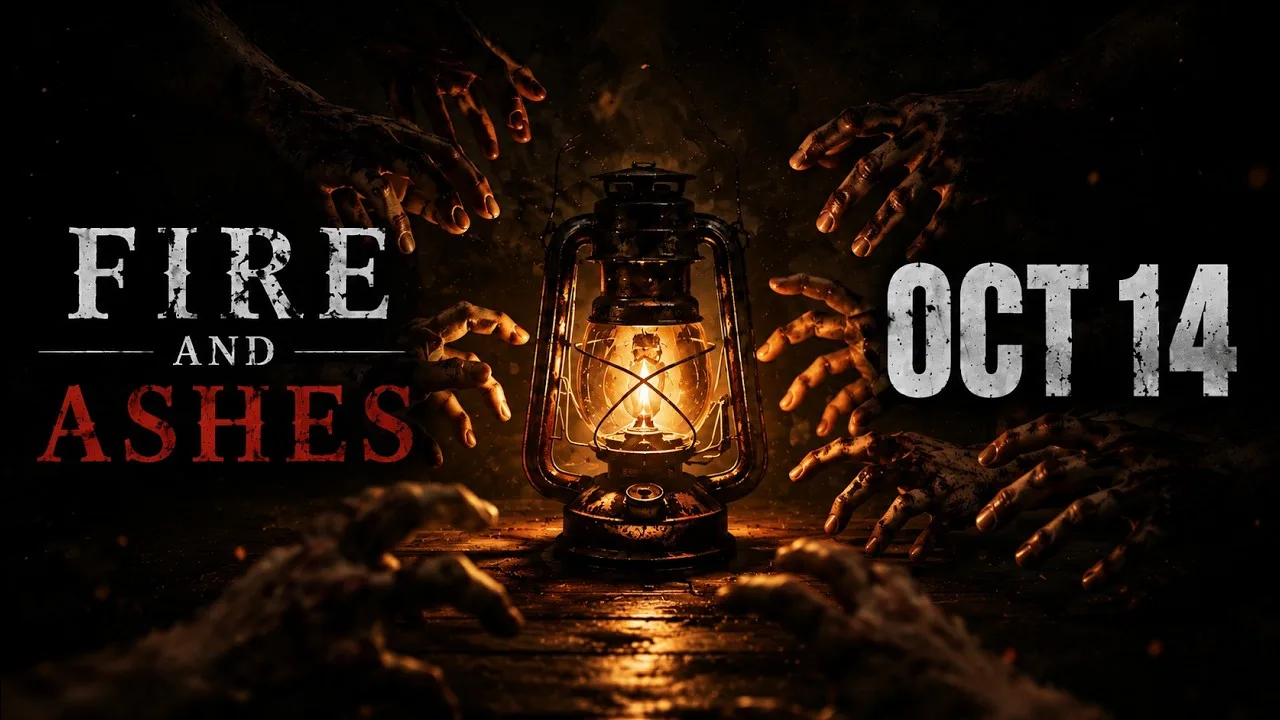
Psychiatric Hospital: Find the Keys and Survive the Ward
Your voice can expose you in FIRE AND ASHES, and a broken weapon can leave you fighting for the next doorway. This FIRE AND ASHES walkthrough follows Henry Gray’s escape through the hospital, electrical traps, forest, and memory puzzles so you can keep moving. Use this FIRE AND ASHES walkthrough for the route and puzzle help below, with story spoilers in the final section.
Henry wakes in a blood-filled bathtub inside a psychiatric ward in 1977. The opening introduces inventory interactions, exploration, and melee combat before the nightmare expands beyond the hospital.
| Area | Objective | Items to watch for |
|---|---|---|
| Opening ward | Explore accessible rooms and find keys | Keys and recovery items |
| Patient rooms | Follow the message pointing toward room six | Arthur James’s note |
| Hospital corridors | Match collected keys to locked doors | Replacement melee weapons |
| Early combat encounters | Learn blocking and counterattacks | Recovery supplies |
- Search accessible rooms before circling the ward again. Check doors and nearby objects for interaction prompts. Some doors produce no response; focus on those that let you interact.
- Use the inventory when a locked door requests an item. Picking up a key does not replace the item-selection step. Automatic inventory opening appears when interacting with suitable objects, and manual inventory access is also available.
- Follow Arthur James’s message toward room six. The note specifically mentions leaving a key there. Use the room number as your search target instead of checking every corridor without a plan.
- Collect melee weapons and monitor their condition. Weapons can break during fights. Look for replacements while searching for the next key.
- Practice the parry prompt. Block as an enemy strikes to knock them off balance. A successful parry can create a counterattack opportunity, but powerful counters also require enough energy.
Avoid spending every weapon on enemies you can move past. Your immediate objective is opening the route forward, so keep track of the locked door you are working toward.
Before moving on:
- Pick up recovery items in explored rooms.
- Check your weapon selection for usable replacements.
- Revisit locked doors with the keys you have collected.
Official page: FIRE AND ASHES (store.steampowered.com)
Pipe Encounter and Electrical Trap: Reach Electric Voice
The next stretch introduces firearms, an environmental fight, and a trap built around sound. This part of the FIRE AND ASHES walkthrough is about recognizing when the room itself matters more than another direct attack.
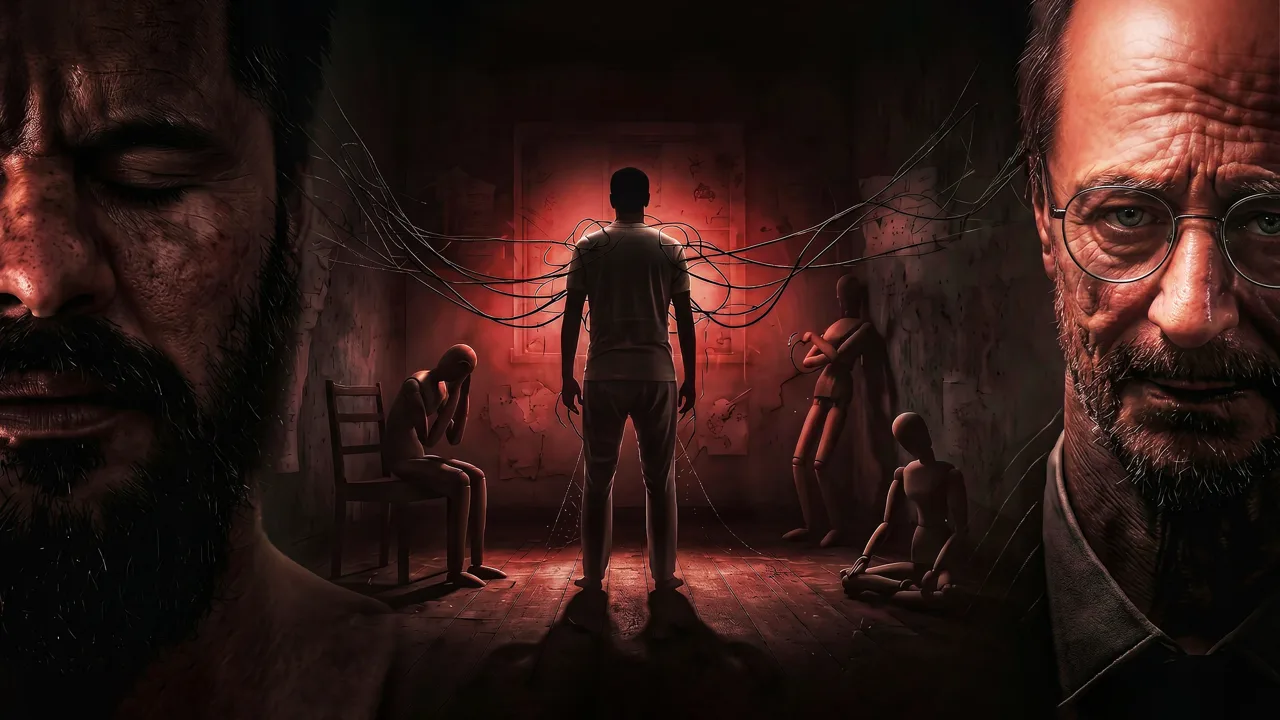 Image: PlayStation Store
Arthur’s conversations interrupt the hospital journey, connecting Henry’s surroundings with his memories. After the conversation that provides a gun, return to the route forward.
| Obstacle | What to do | Item or feature involved |
|---|---|---|
| Locked route after receiving the gun | Shoot the lock | Handgun |
| Pipe-area enemy | Bring the enemy near the pipes and shoot the environmental targets | Gun and pipes |
| Elevator route | Collect the powerful battery and follow the objective marker | Powerful battery |
| Sound-sensitive electrical room | Use the three devices as cover while triggering the electrical attacks | Three electrical devices |
- Shoot the lock after receiving the gun. Keep the weapon available for the environmental encounter that follows.
- Draw the enemy toward the pipes. Position the opponent near the targets before firing. Concentrate on the environmental setup instead of repeatedly shooting the enemy directly.
- Collect the powerful battery afterward. Check the defeated enemy for the pickup, then follow the marker toward the elevator.
- Read the warning in the electrical room. Sound triggers a dangerous electrical response, and the exit depends on three devices inside the room.
- Stand behind a device before making sound. Use its position as cover so the electrical attack reaches the device. Repeat the setup with the remaining devices to open the route.
Choose your position before triggering the trap. Making noise while exposed can cost health without helping you complete the room.
Before moving on:
- Collect the powerful battery.
- Pick up nearby recovery supplies.
- Locate the Electric Voice device and its charging box.
Laboratory Corridors: Use Electric Voice and Solve the Lights
Electric Voice adds another way to fight and interact with the environment. It sends electrical current toward enemies with implanted diodes, and it also powers compatible doors, lamps, and other objects.
Keep this distinction in mind throughout the FIRE AND ASHES walkthrough: electrical charge is both a combat resource and a tool for progressing through certain obstacles.
| Electric Voice function | How it works | Resource consideration |
|---|---|---|
| Stun an eligible enemy | Activate the device to deliver current | Shorter use preserves charge |
| Sustain an electrical attack | Continue activating the device | Longer attacks consume more charge |
| Power compatible objects | Use the device on electrical mechanisms | Keep charge available for interactions |
| Recharge | Use a special electrical box | Identify charging points while exploring |
- Read the device tutorial and find the charger. Learn how to activate Electric Voice with your chosen control setup. The game supports completing the story without a microphone.
- Use short electrical attacks when you need an opening. Sustained current can kill eligible enemies, while a brief stun uses less charge. Move or attack during the opening instead of standing still.
- Keep another weapon ready. Melee weapons and the gun remain part of your equipment. Switch when a weapon breaks or when you need to conserve electrical power.
- Check your inventory before assuming you are out of supplies. Recovery items and replacement weapons accumulate during exploration. Review what you have before committing to another extended fight.
- Recharge before electrical obstacles. Search for the special charging boxes as you move through the corridors.
During the laboratory stretch, Henry’s conversations reveal more about his treatment and his family. After the encounter with Lily, the route reaches a dark area with a colored-light puzzle.
Colored-Light Puzzle Solution
For this FIRE AND ASHES walkthrough, activate the colors in this order:
Yellow → Orange → Pink → Blue → Green
The sequence turns on the lights and allows you to continue through the door. Temporary illumination helps you examine the area while working on the puzzle; once the sequence is complete, check the doorway again.
Before moving on:
- Collect available recovery items and replacement weapons.
- Recharge Electric Voice.
- Check your health before consuming another recovery item after an area transition.
Dark Forest: Keep the Lamps Powered
The forest changes the pace from corridor fighting to managing pockets of safety. Powered lampposts protect you from the demons moving through the darkness, but their light fades.
This section of the FIRE AND ASHES walkthrough follows the lamp route through Henry’s memories. Watch the light and your device charge together: reaching a lamp is only useful if you can keep it powered.
| Forest element | Function | What to watch |
|---|---|---|
| Powered lamppost | Creates a protective area of light | Dimming or flickering |
| Electric Voice | Supplies power to the lamps | Remaining device charge |
| Charging point | Replenishes electrical power | Its position along your route |
| Lighter | Used for a later burning interaction | The interactable figure |
- Power a lamppost to establish a safe position. Demons cannot enter its illuminated area while the light remains active.
- Locate your next destination before leaving the light. Look for the next lamp and nearby charging opportunities.
- Move before the current lamp goes dark. Flickering and fading indicate that its protection is running out. Activate the next lamp without waiting for complete darkness.
- Monitor Electric Voice between lamps. Refill the device at charging points so you retain the power needed for the route.
- Collect the lighter during the memory sequence. Later, interact with the figure that can be burned to advance.
The forest includes a scarecrow wearing Sam’s clothes and passages through Henry’s memories. Keep following the route while checking for prompts at distinctive objects.
If a familiar-looking stretch sends you back toward an object you previously passed, inspect it again. The burning interaction becomes available as the sequence develops.
Before moving on:
- Pick up the lighter.
- Collect ammunition and recovery supplies along the route.
- Recharge before leaving a charging point behind.
Family Memories: Solve the Names and Reach the Ending
Major story spoilers follow.
The final stretch of this FIRE AND ASHES walkthrough connects Henry’s memories of his father with the nightmare’s larger explanation. Read the account of the fishing boat carefully: its initials provide the structure for the name puzzle.
Solve the KIMB Name Puzzle
- Read Henry’s account of his father’s boat. The vessel’s name comes from the initials of its crew.
- Match each initial with the clue in the text. The clues connect personal memories, a prophet, Henry’s father, and a banknote.
- Choose the names in K–I–M–B order. Keep the sequence tied to the boat’s initials.
| Initial | Clue | Selection |
|---|---|---|
| K | Swedish name associated with a rooftop character | Carlson |
| I | Name of an Israelite prophet | Choose the option matching that clue |
| M | Henry’s father’s name | Martin |
| B | Name associated with a large banknote | Benjamin |
Fight Henry’s Father
The confrontation leads into a boss fight. Keep recovery items accessible and watch your weapon condition throughout the exchange.
Use your available attacks while maintaining enough energy to respond. If you attempt a parry, follow the counterattack indicator instead of assuming every block creates the same opening.
Avoid exhausting your supplies without checking the boss’s remaining health. Keep track of usable weapons and recovery items between attacks.
Complete the Sound Puzzle
The ghostly vessel puzzle uses sea-related sounds. Listen to each sound fully before making another input. Let the audio finish instead of rapidly pressing the controls and overlapping the cues.
Continue Through the Medical Recording
Listen to Dr. Anderson’s recording and continue the final interactions. The explanation connects Henry’s imagined weapons with objects used during his treatment, while Dr. Arthur James tries to help him accept his family’s deaths.
The ending reveals that Lily killed herself and Sam in a deliberate car fire following abuse by Henry’s father. Henry’s refusal to accept their loss drives the nightmare and his final confrontation with the doctors.
Before the final sequence:
- Read the boat-name clues carefully.
- Keep recovery supplies ready for the father encounter.
- Allow the sound-puzzle audio to finish between inputs.
FAQ
Can you complete FIRE AND ASHES without a microphone?
Yes. The entire game can be completed without one. A microphone enables voice interactions, including distracting enemies and activating voice-based actions, but it is optional.
What is the colored-light puzzle solution?
Use yellow, orange, pink, blue, then green. Completing the sequence turns on the lights and lets you continue through the doorway.
How long does this FIRE AND ASHES walkthrough take to finish?
Plan for roughly three hours for a playthrough. Time spent searching corridors, solving puzzles, and retrying fights affects your pace.
How do you recharge Electric Voice?
Use a special electrical charging box. Recharge while exploring, and preserve enough power for compatible doors, lamps, and other electrical objects along the route.
Continue with
 Is FIRE AND ASHES Worth It? Price, Combat, AND HorrorIs FIRE AND ASHES worth it? Compare its $19.99 PS5 price, voice mechanics, combat, PC requirements, and horror atmosphere before choosing your next scare.
More in Guides
FIRE AND ASHES Achievements: All 11 AND Survival Tips
Track all 11 FIRE AND ASHES achievements, compare Steam unlock rates, and prepare for combat, voice controls, and survival during your completion attempt.

FIRE AND ASHES Beginner Guide: Survive the Nightmare
Use this FIRE AND ASHES beginner guide to handle voice controls, survive melee combat, manage Electric Voice charge, and navigate puzzles with confidence.
FIRE AND ASHES Difficulty Guide: Combat AND Survival
Understand FIRE AND ASHES difficulty with practical tips for voice controls, melee combat, puzzles, and Electric Voice charge management. Plan your escape.
FIRE AND ASHES How Long to Beat: Story Length Guide
FIRE AND ASHES how long to beat? Plan for about three hours of story, learn what affects your pace, and get practical tips for a psychological horror game.
Continue exploring
Join the community
Official channels for news, updates and player help: